

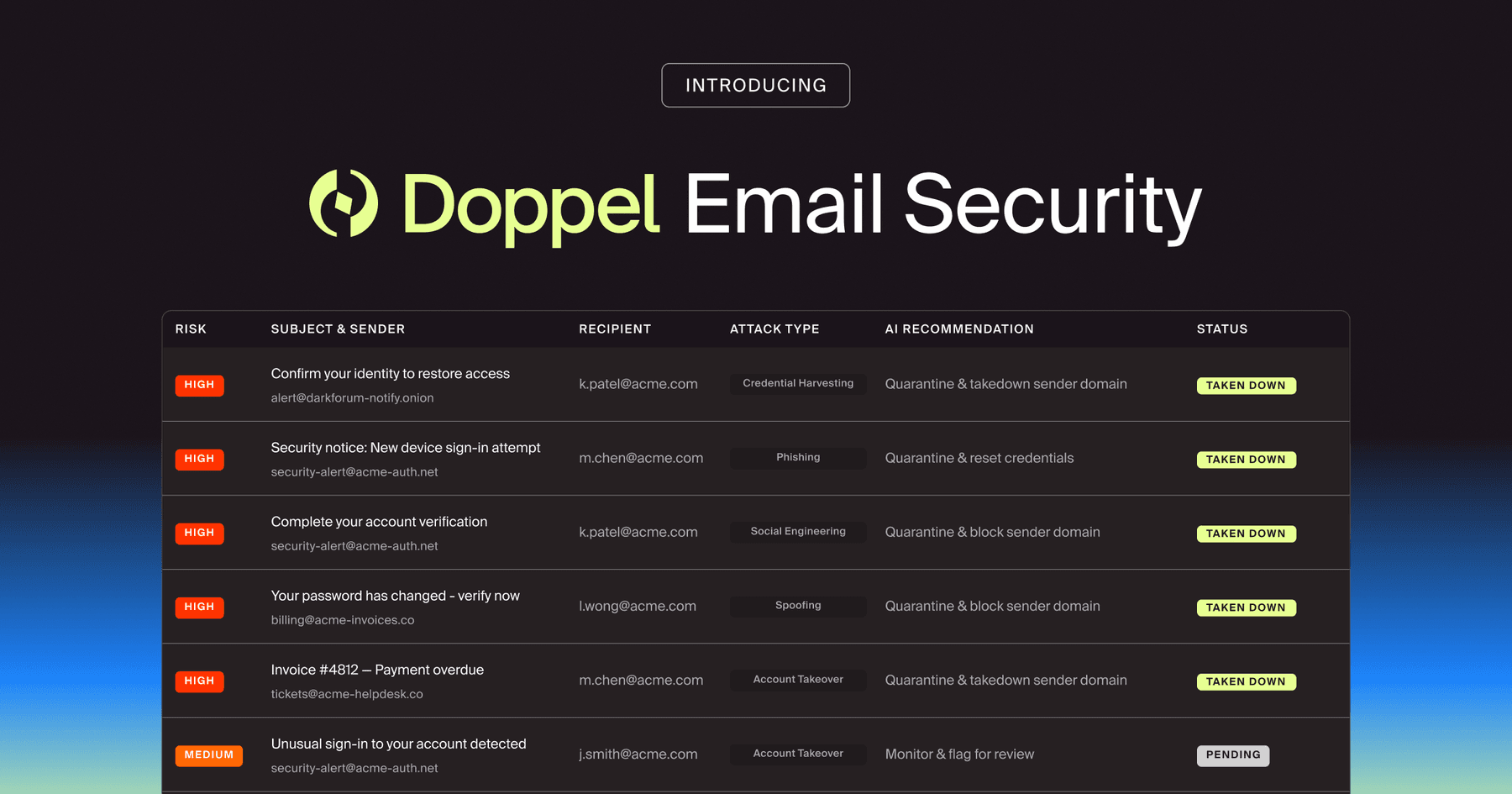
Doppel Email Security is now generally available
The agentic email security solution that empowers you to fight back against social engineering attacks. Detection isn't enough. Disruption is the difference.
GhostCode starts with a business contact form and ends with stolen Microsoft tokens. Follow the attack chain and learn how to stop it.
A business contact form asks for a name, an email address, and a message. GhostCode asks a more interesting question: can that tiny box become the first step in stealing a Microsoft session? Unfortunately, yes.
The attack doesn’t kick down the front door. It shows up as a plausible sales lead, follows the company’s normal workflow, and lets helpful employees carry it forward. By the time the request looks strange, several trusted systems have already vouched for it.
In August 2026, eSentire’s GhostCode analysis (opens in new tab) documented a phishing kit that starts in public-facing business contact forms and ends in Microsoft 365 account takeover. There’s no clever exploit in the form itself. The attacker is abusing the workflow around it.
A sales or support employee responds, the conversation moves into email, and the attacker introduces what looks like ordinary deal paperwork. The final lure uses device code phishing, so the victim signs in on Microsoft’s real site and completes real MFA. The credentials page is genuine; the authorization request isn’t.
GhostCode unfolds as a sequence of ordinary business actions. The risk hides in the handoffs, not in one spectacularly suspicious moment.
The attacker submits a polished inquiry through a company website. It may mention a partnership, purchase, demo, or contract. Because the form routes through an approved system, the first message can reach an internal inbox without looking like conventional inbound email.
An employee responds from a legitimate company account. That reply gives the attacker a real conversation thread, the employee’s signature, and a simple but valuable credibility boost. The social engineering now feels less like spam and more like business in progress.
Next comes an NDA or another document shared through a familiar cloud service such as WeTransfer. In observed GhostCode activity, the attacker used a password-protected HTML file. Encryption blocks some automated inspection, while the separate password makes the package feel carefully handled. A tiny theater production, with security as the costume.
The HTML page presents a device code and directs the victim to Microsoft’s device authorization flow (opens in new tab). The victim lands on a real Microsoft domain, enters the code, signs in, and completes MFA. That familiar experience is exactly what makes the maneuver persuasive.
While the victim authenticates, the attacker polls for the resulting token. Once issued, that token can provide access to email and other Microsoft 365 resources allowed by the granted permissions. From there, the attacker can search for sensitive data, impersonate the user, and use the compromised account to make the next lure even more convincing.
A token doesn’t hand over the whole tenant by magic, but it can grant access to whatever the application and user were allowed to reach. That may include email, files, contacts, chats, or Microsoft Graph resources. The password can remain unchanged while the attacker works inside a session the platform considers authenticated.
Email access is especially useful because it opens the door to targeted email attacks from a real account. An attacker can study active conversations, find payment threads, impersonate the user, and send the next lure to colleagues or partners who already trust the sender. One stolen token can turn yesterday’s victim into today’s distribution channel.
The investigation should also look for persistence and expansion: forwarding rules, newly authorized applications, altered consent grants, added devices, or pivots into connected SaaS tools. Account takeover is rarely content to sit politely in one inbox. It tends to browse, invite itself elsewhere, and leave a few doors propped open for later.
GhostCode is built from pieces that often look acceptable in isolation: a web form, a real employee reply, a mainstream file-sharing service, an encrypted attachment, and an official Microsoft sign-in page. None of those signals has to scream “phishing.” Together, they tell a very different story.
The other problem is visibility. Web telemetry, email activity, cloud-file events, identity logs, and endpoint behavior often live in separate tools. If nobody connects them, the attack can stroll between teams while every individual control reports a quiet afternoon.
GhostCode doesn’t offer one cinematic giveaway. It offers a series of mildly odd moments that become meaningful when viewed together. The useful skill is recognizing when a normal business exchange keeps asking for exceptions.
An unsolicited inquiry quickly moves from a contact form to a cloud-share link. The “NDA” is an HTML file instead of a document. The file needs a password, then asks the recipient to enter a device code on Microsoft’s site. Any one detail might earn a shrug; the sequence should earn a report.
Security teams can make that judgment easier by giving employees a few specific questions: Did I initiate this authentication? Does the application name match the task? Why does reviewing a document require me to authorize a device? Doppel’s real social engineering attack examples are useful reminders that strong lures often borrow ordinary business context instead of inventing something outrageous.
A contact form belongs to the web team, a reply lands with email security, a download appears in endpoint telemetry, and the authorization shows up in identity logs. GhostCode benefits when those signals keep their departmental seating chart. Defenders benefit when they share one timeline.
Build the investigation around the person and conversation, not just the tool that raised the first alert. Preserve the original submission, message thread, file, device code, application details, and sign-in events under one case. That gives incident response enough context to distinguish an odd sales inquiry from a coordinated account-takeover attempt.
The goal isn’t to treat every contact-form submission like a criminal mastermind. It’s to preserve context, add friction at the risky handoffs, and make the full sequence visible.
None of these steps has to carry the defense alone. Their value comes from making the handoffs visible, so a strange file or device-code request doesn’t become someone else’s problem.
Responsiveness isn’t the weakness here; an unexamined handoff is. Employees should know that a conversation can begin in an approved channel and still turn hostile later. A sudden encrypted HTML file, an unexpected device code, or a request to authorize a device deserves a pause.
Email security with Doppel helps detect and contain malicious messages as they move into the inbox, and simulations let teams rehearse the specific behaviors GhostCode exploits, while the threat graph connects signals across channels instead of judging each one in splendid isolation.
That cross-channel view matters because GhostCode is a compact example of the modern social engineering attack chain: Attackers borrow trust from one system, spend it in another, and hope the seams stay invisible.
Role-specific phishing simulations should begin where those teams actually work: the lead form, support queue, applicant-tracking system, or vendor portal. A generic fake delivery notice may test clicks, but it won’t show whether someone recognizes trust being transferred across channels.
The debrief matters as much as the lure. Show participants where the conversation changed, what the device code authorized, and how to report the full thread. Doppelpedia’s phishing simulation explainer offers a useful practice baseline that teaches decisions instead of collecting gotchas.
Then test the handoff on the security side. Can the team connect a form submission to the email thread, cloud download, identity event, and token activity without starting five separate investigations? Training the employee and the response process together turns scattered clues into one case.
The contact form isn’t the villain, and Microsoft’s login page hasn’t gone rogue. GhostCode works because ordinary business systems pass trust to one another faster than defenders pass context.
Closing those gaps takes coordinated detection, realistic practice, and a response path people will actually use.
Would your team catch the handoff from contact form to token theft? Schedule a demo to see how Doppel helps teams connect the signals and stop the chain before account takeover.